AI dictation app

AI Dictation App: Turn Voice Notes Into Text in Seconds

Record & TranscribeTurn your spoken thoughts into a first draft, ready to review and edit.
Illustrative recording view Open recorder
Less typing. More useful text.

Quick Answer

You Need Interview, Call, Podcast or Lecture Audio Turned Into Quotable Text

Manual transcription burns hours per recording. Free auto-captions need so much cleanup the time saved disappears.

You need a transcript you can quote, search and share. Not another hour of typing or a rough draft that still needs line-by-line fixes.


Upload, Get Text in Seconds, Export Where You Need It

No configuration, no installation, no learning curve. Drop your file in the browser, wait seconds, download the transcript.

Built in-house

Why Cockatoo for Voice-to-Text

Independently Owned, In-House Engine, Human Support

Cockatoo runs on its own transcription engine, not a third-party API. No advertising revenue, no per-hour reseller markup.

When you need help, you talk to a human.

No Monthly Hour Cap on Default Modes

No monthly limit on the default modes.

In-House Engine Versioned Like LLM Products, Mode Selector for Output Style

Cockatoo's transcription engine is built and versioned in-house, not resold from a third-party API. Choose the fastest mode for speed or the highest-accuracy mode for precision.

Choose your transcription mode

Designed for the fastest turnaround — up to 120Ɨ real time.

Mode preview Ā· Select your mode when uploading.
Three steps to something useful

From Voice Note to Finished Transcript in Three Steps

  1. Step 1

    Import from YouTube, Dropbox or Drive, Auto-Detect Language, RTL Display

    Paste a YouTube link, connect Dropbox or Google Drive, or upload a file. Cockatoo detects the language automatically and displays right-to-left scripts correctly.

  2. Step 2

    In-Browser Editor, One-Click AI Summaries, Unlimited AI Notes on Pro

    Edit your transcript in the browser, generate a summary with one click, or open Canvas to turn the transcript into meeting notes, blog drafts or study guides. Pro users get unlimited Canvas.

  3. Step 3

    Video Audio Extracted Automatically, Export Transcript as SRT Subtitle File

    Upload a video and Cockatoo extracts the audio for you. Export the transcript as an SRT subtitle file for your video, or download plain text, DOCX or PDF.

YouTubeDropboxGoogle DriveYour device
Sofia00:02

Note for tomorrow's presentation: open with the problem we're trying to solve, then explain why it matters.

Sofia00:10

Add an example from the customer interviews. Keep it specific, and leave time for questions at the end.

Sofia00:18

Before sharing the draft, check the names, review the key points, and turn these notes into a short outline.

Voice note Ā· Illustrative transcript
DOCXPDFTXTSRT
Made for your next task

Who Uses Cockatoo and What They Get Done

Adding Subtitles to Marketing or Training Video

Upload your video, export the transcript as an SRT subtitle file, import it into your video editor. No need to type timestamps or captions by hand.

Translating PDFs, Slide Decks, Spreadsheets Without Rebuilding Them

Cockatoo translates PDF, DOCX, PPTX, XLSX and TXT files between languages. The document stays usable. You don't have to rebuild the layout or copy text into a separate translation tool.

Fixing Names and Terms the Model Got Wrong

Open the transcript in the in-browser editor and correct any names, technical terms or jargon the model missed. Your edits stay in the file.

At your desk. On your phone.

Works on iPhone

iOS App Available Now

Cockatoo works on iPhone and web today. Windows and Android to follow.

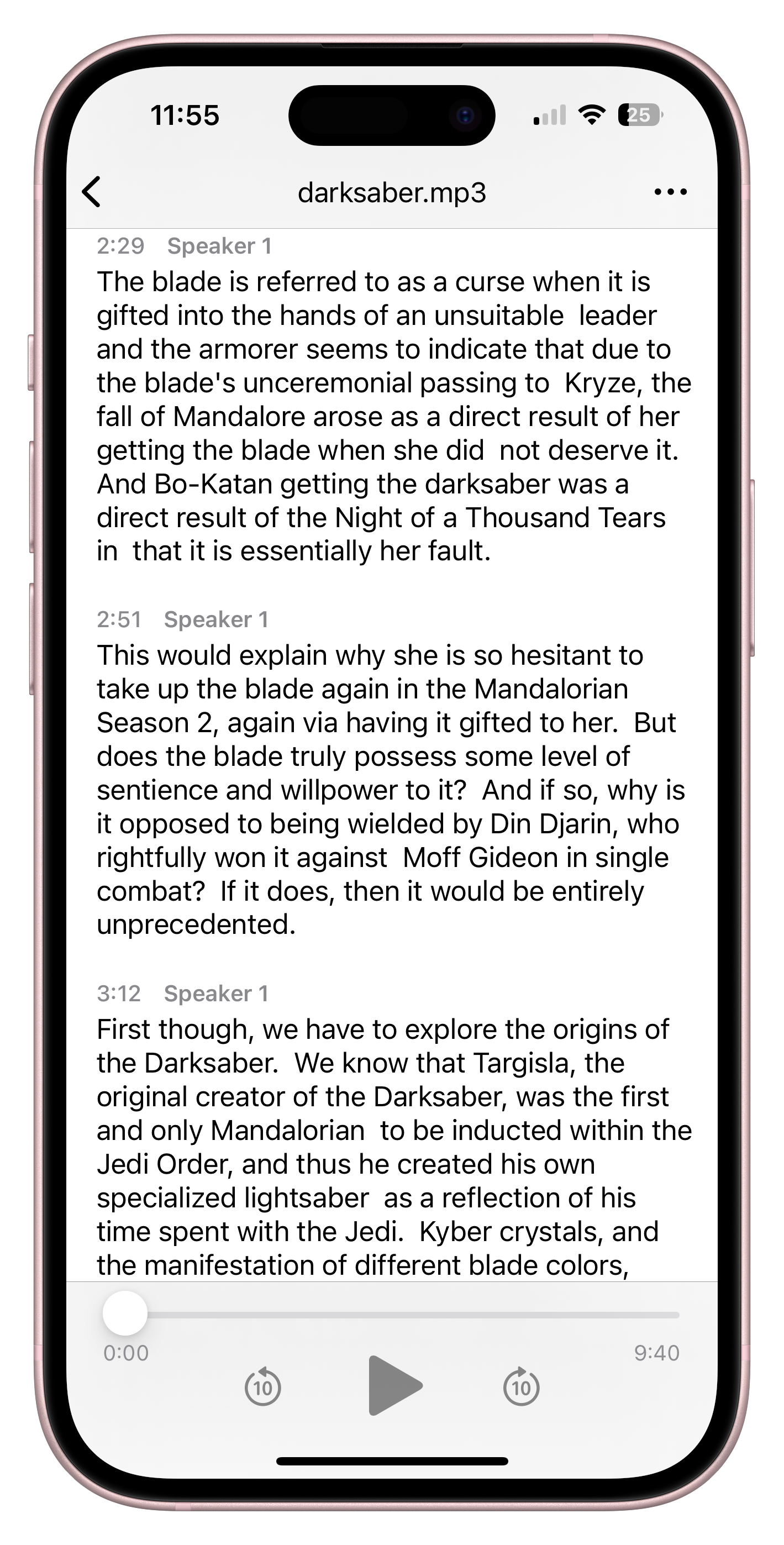
Cockatoo iPhone transcript with speaker labels, timestamps, and playback controls

Encrypted Cloud Storage and Large-File Transfer Bundled, Unlimited Transfers on Pro

Store your recordings, transcripts and documents in one place. Share large files without a separate tool.

My Drive
Research interview.mp3
Interview transcript
Research notes
Your files, together
iPhoneAvailable nowWebAvailable nowWindowsTo followAndroidTo follow
Real recordings. Real feedback.

Trusted by Professionals Who Check Every Word

Accuracy on Difficult Accents and Dialects, Raw Speed, Ease of Use

Users highlight three themes: accuracy on difficult accents and regional dialects, the raw speed of transcription, and how easy the tool is to use from the first upload.

United StatesEuropean Union

Support Engineers Access Your Files Only With Your Explicit Permission

Support engineers access your files only with your explicit permission, not by default.

ā€œThe app has simplified my dissertation work by trascribing the interviews I am working with currently.ā€
Guillermo B.TaiwanRead review
ā€œThis transcriber is incredibly accurate, and not bothered by all the different accents i present it with. Highly recommended.ā€
Ian A.AustraliaRead review
Questions, answered

Common Questions About Voice-to-Text Transcription

See All FAQs

Yes. Cockatoo supports mixed-language files and code-switching within a single recording. The engine detects and transcribes multiple languages in the same file without requiring you to split the audio or choose a single language.

Turn your next recording into text

Start Transcribing Free
Drag and drop
MP3MP4M4AMOVAACWAVOGGOPUSMPEGWMV
OR

3 free transcripts. No credit card required.