Webex recording to text

Transcribe a Webex Recording in Seconds

Download the MP4 from Webex and drop it here, or record your next meeting live in the web app or on iOS. You get an editable transcript, captions and meeting notes in seconds, free in V4-Flash with no daily limit.

Blazing Speed. Incredible Accuracy.

Upload your Webex recording and get a finished transcript in seconds.

Cockatoo transcribes at up to 120x real-time, with accuracy you can verify.

  • Unlimited free transcripts
  • Transcripts in seconds
  • MP4, M4A and every common format
  • 36 languages
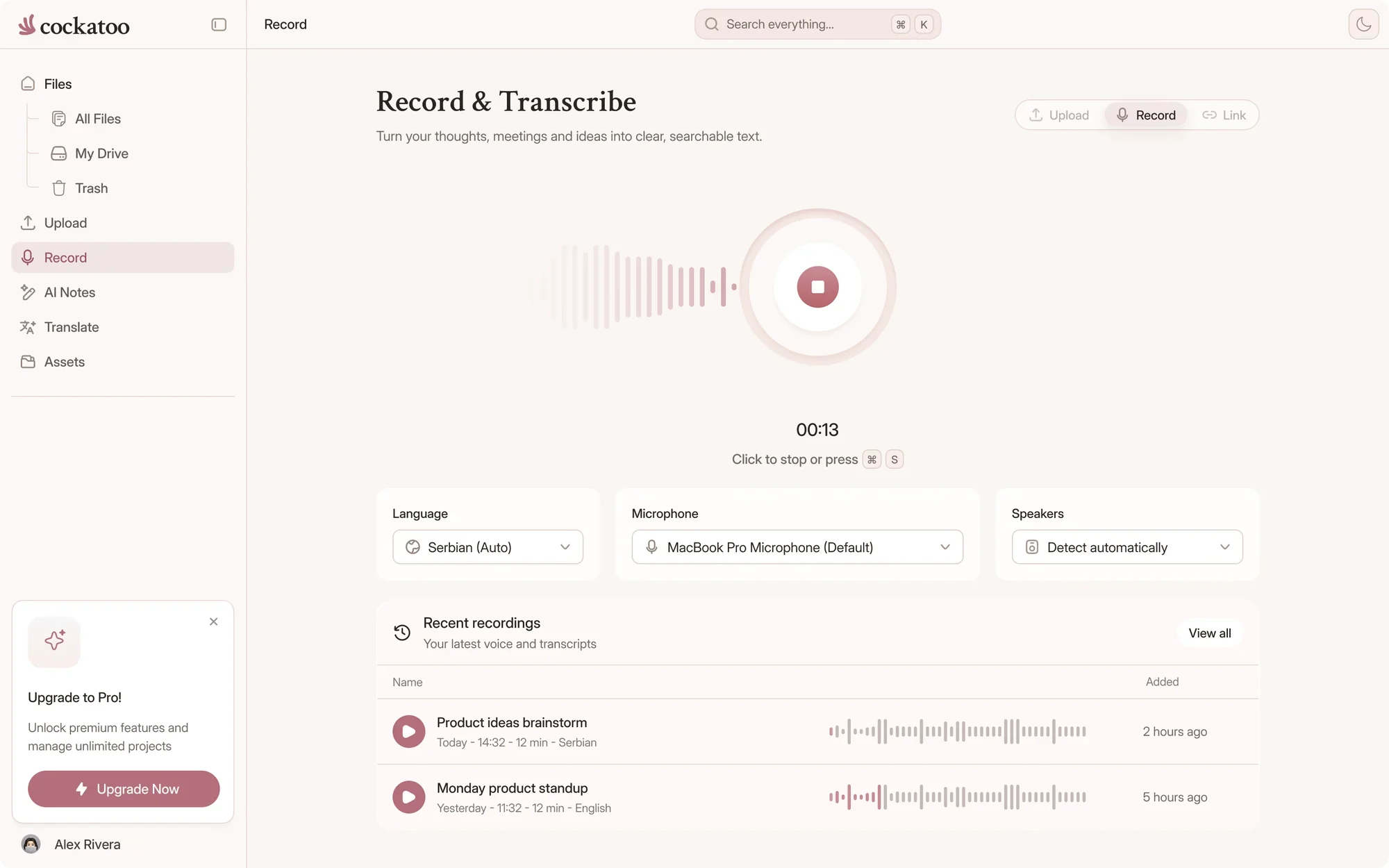
Cockatoo web app recording a meeting live, with a running timer
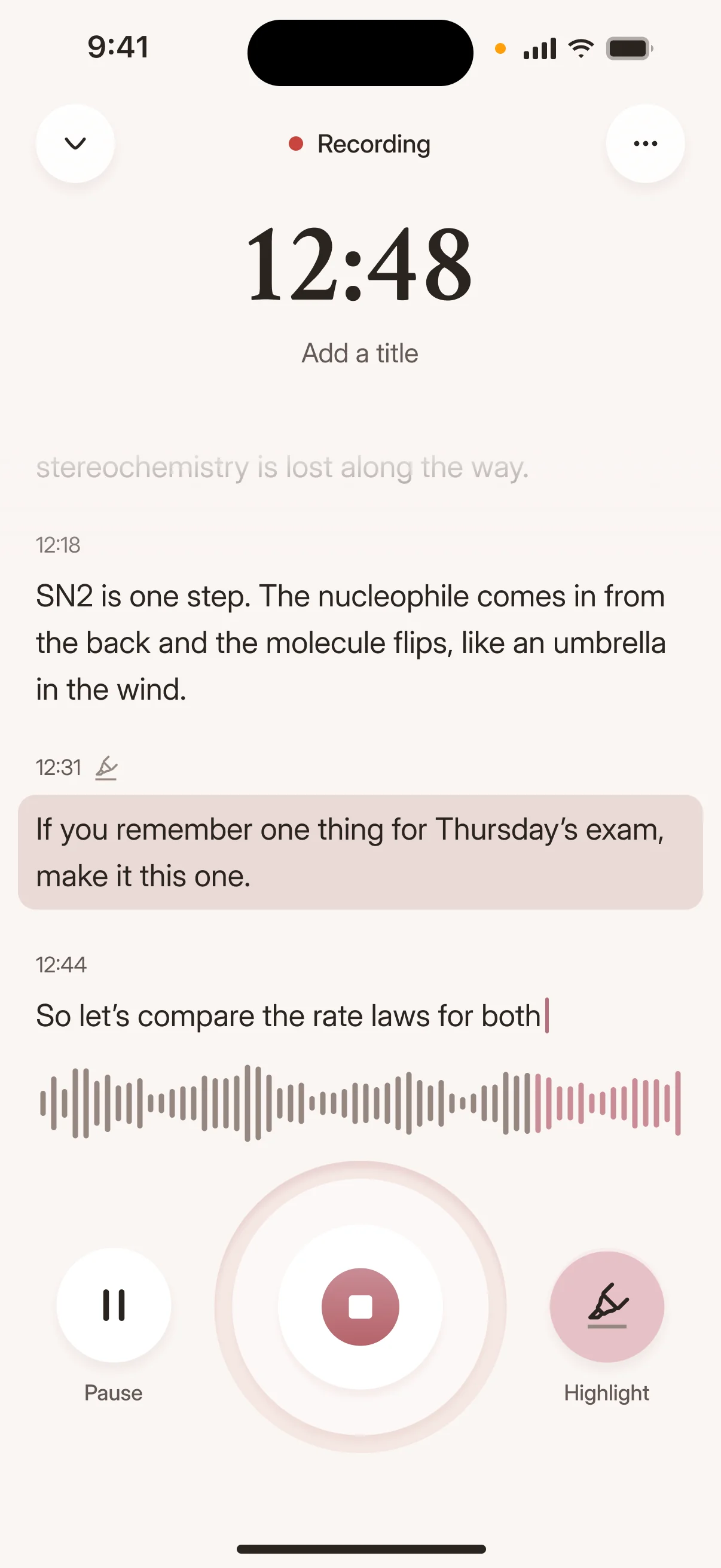
Recording audio with the Cockatoo iPhone app
Drag and drop
MP3MP4M4AMOVAACWAVOGGOPUSMPEGWMV
OR
In short

Quick Answer

Upload Any Audio or Video, Get an Editable Transcript Back

Drop your Webex MP4, M4A, or any recording format into Cockatoo.

Get an editable transcript in your browser, export it as a document, or send it to Canvas: the built-in browser editor for correcting and working with the transcript, plus one-click AI summaries.
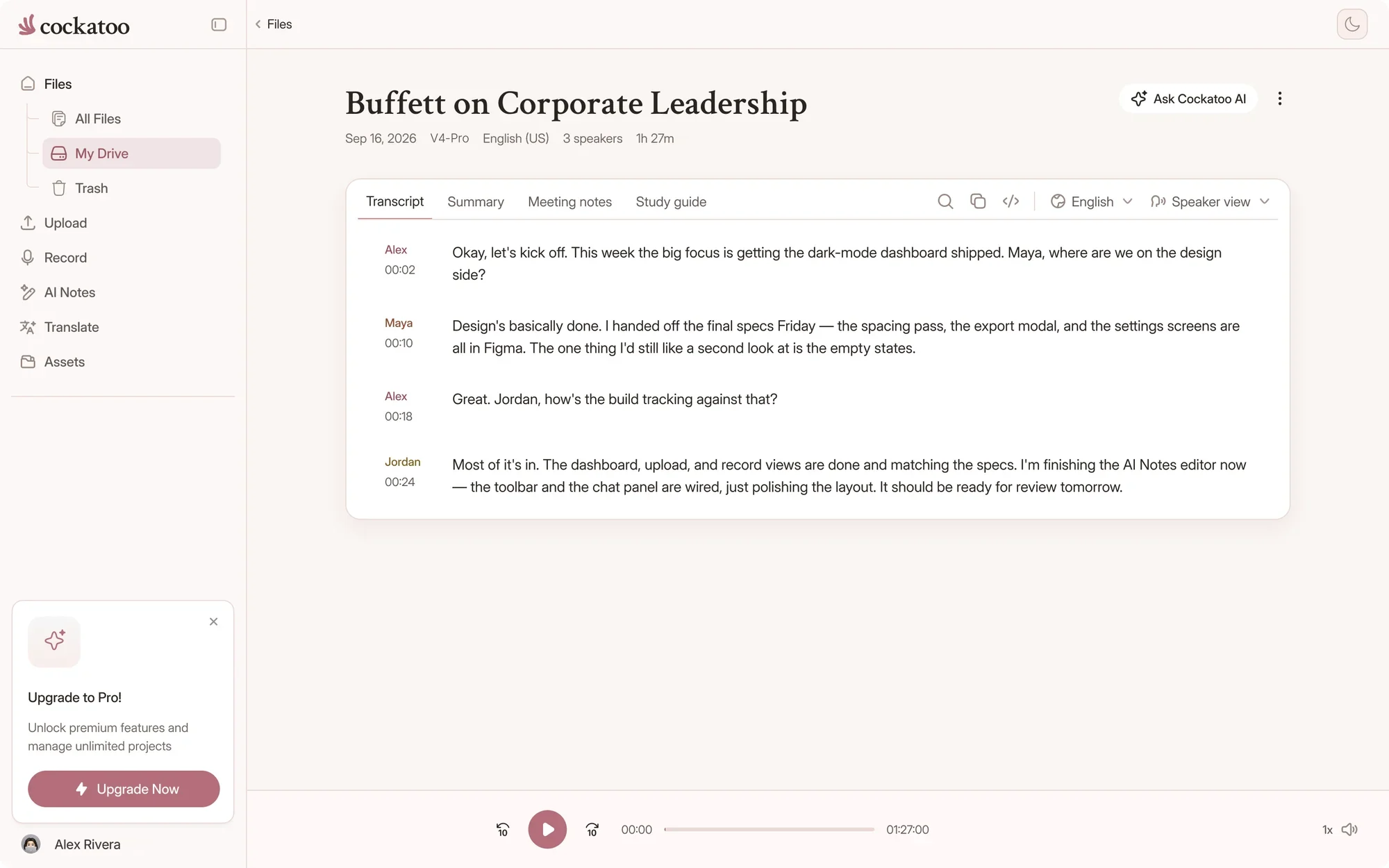

Cockatoo transcript editor with speaker labels and timestamps
Three steps

How to get a Webex recording into Cockatoo

Download the recording, then upload it. Your transcript is ready in seconds.

  1. Download the recording from Webex

    Open your recordings list in Webex, find the meeting and download it as an MP4.

    If you recorded to your computer, the file is already on your drive. If you can't download a recording, ask the host or your Webex admin.

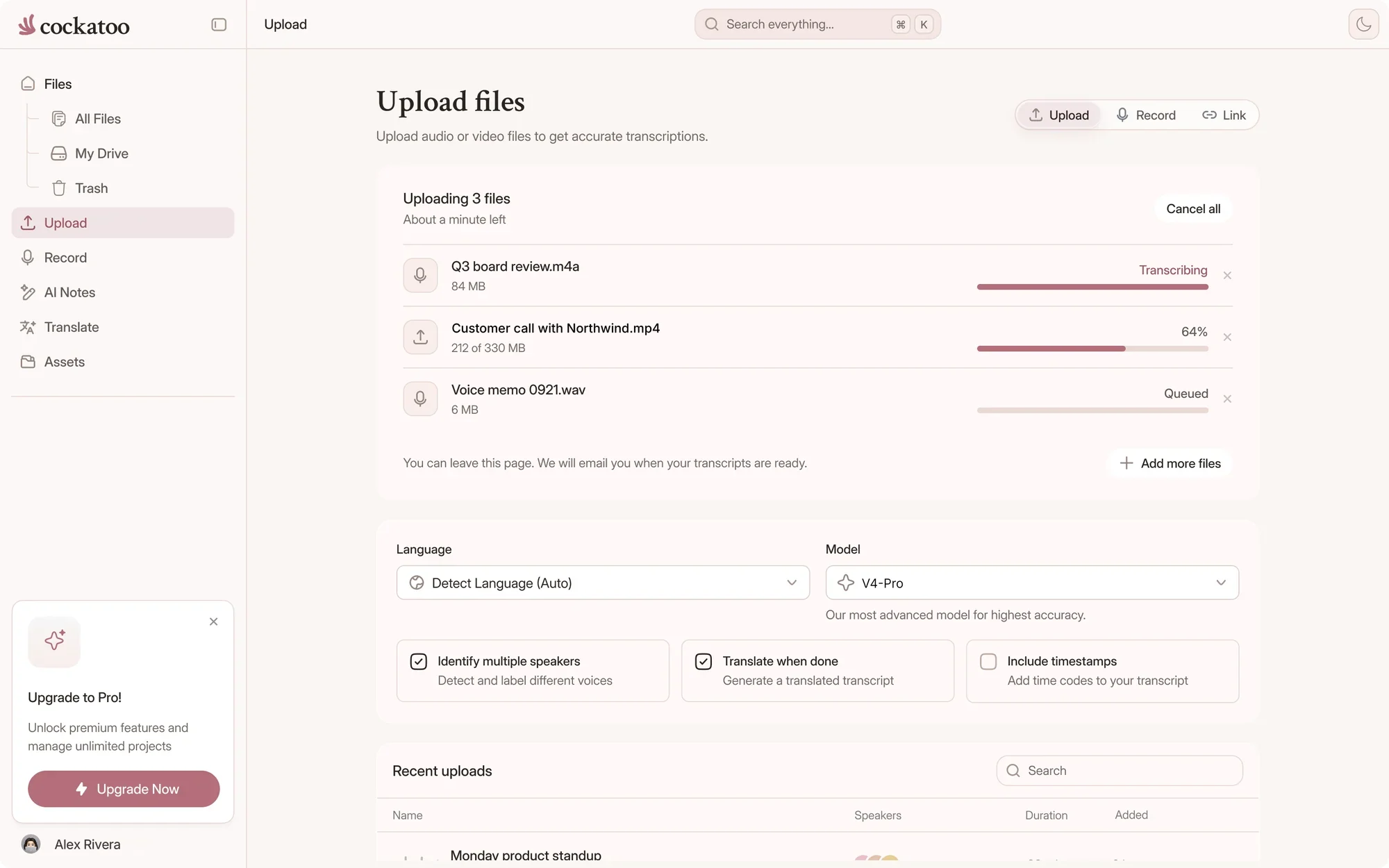
  2. Cockatoo uploading and transcribing a file

    Upload the file to Cockatoo

    Drag the MP4 into the uploader, or paste a public link that points directly to the file.

    Cockatoo detects the language and transcribes the recording in seconds.

  3. Edit, then export

    Fix names in the browser editor and rename speakers once to update every line.

    Export DOCX, PDF, TXT, SRT, VTT, CSV or JSON.

Imports, exports and editing

What You Need to Know

Every Webex recording, transcript and set of notes in one account, on the web and on your iPhone.

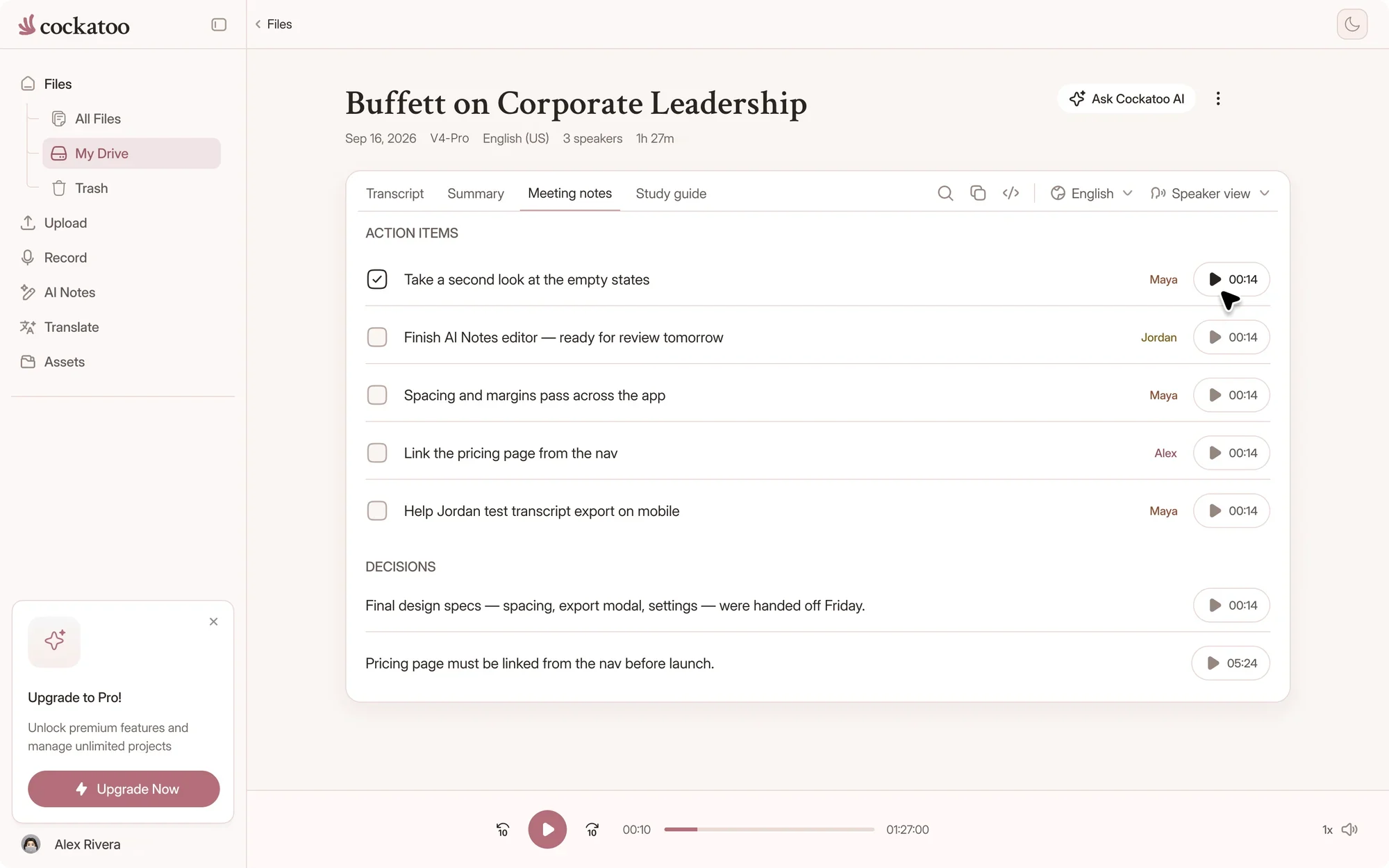
Cockatoo turning a transcript into meeting notes with action items
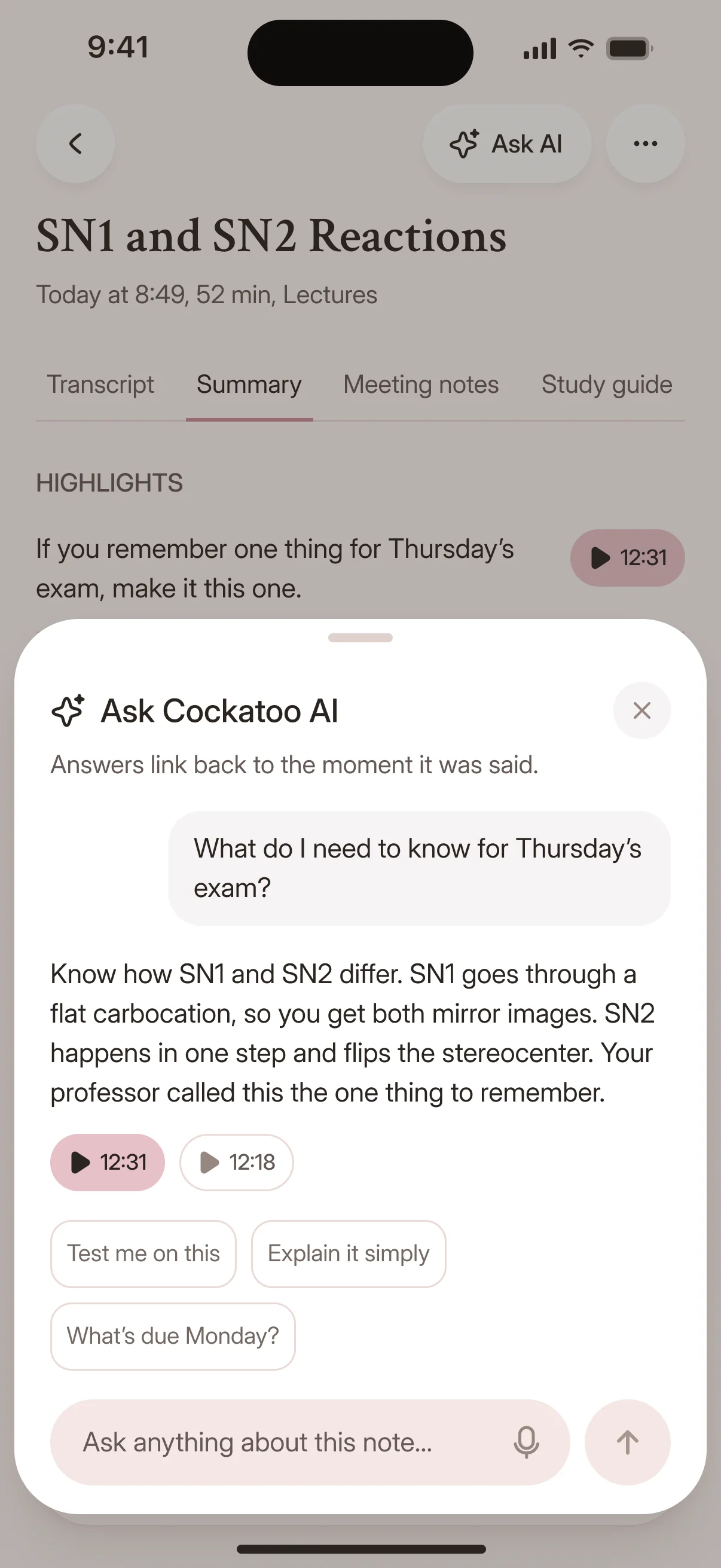
Asking a question about a recording in the Cockatoo iPhone app

Import from YouTube, Dropbox, Google Drive, or Upload Directly

Paste a link from YouTube, Dropbox, or Google Drive, or upload files from your computer.

Cockatoo accepts every common audio and video format. No conversion needed.

Audio Extracted Automatically, Export as SRT Subtitle File

Video files work without extra steps: Cockatoo pulls the audio out for you.

Export as an SRT subtitle file for captions, or as plain text, PDF, or DOCX.

Built-In Browser Editor and One-Click AI Summaries

Edit your transcript in Cockatoo's browser editor: fix names, adjust punctuation, search and replace across the file.

Send the transcript to Canvas with one click for AI summaries, action items, or meeting notes.

Transcript Archive and Exports Bundled In

Your recordings and transcripts stay in your account until you delete them, stored and processed in the US and the EU (Finland).

Transcription, storage, sharing and every export format live in one account, with no add-ons to buy.

Use cases

When You Need a Webex Transcript

Add Subtitles to Marketing Video and Make Content Accessible

Export your Webex transcript as an SRT file and upload it to YouTube, Vimeo, or your video editor.

Subtitles make your content accessible and improve SEO and engagement.

Turn a Long Recording Into a Short Summary

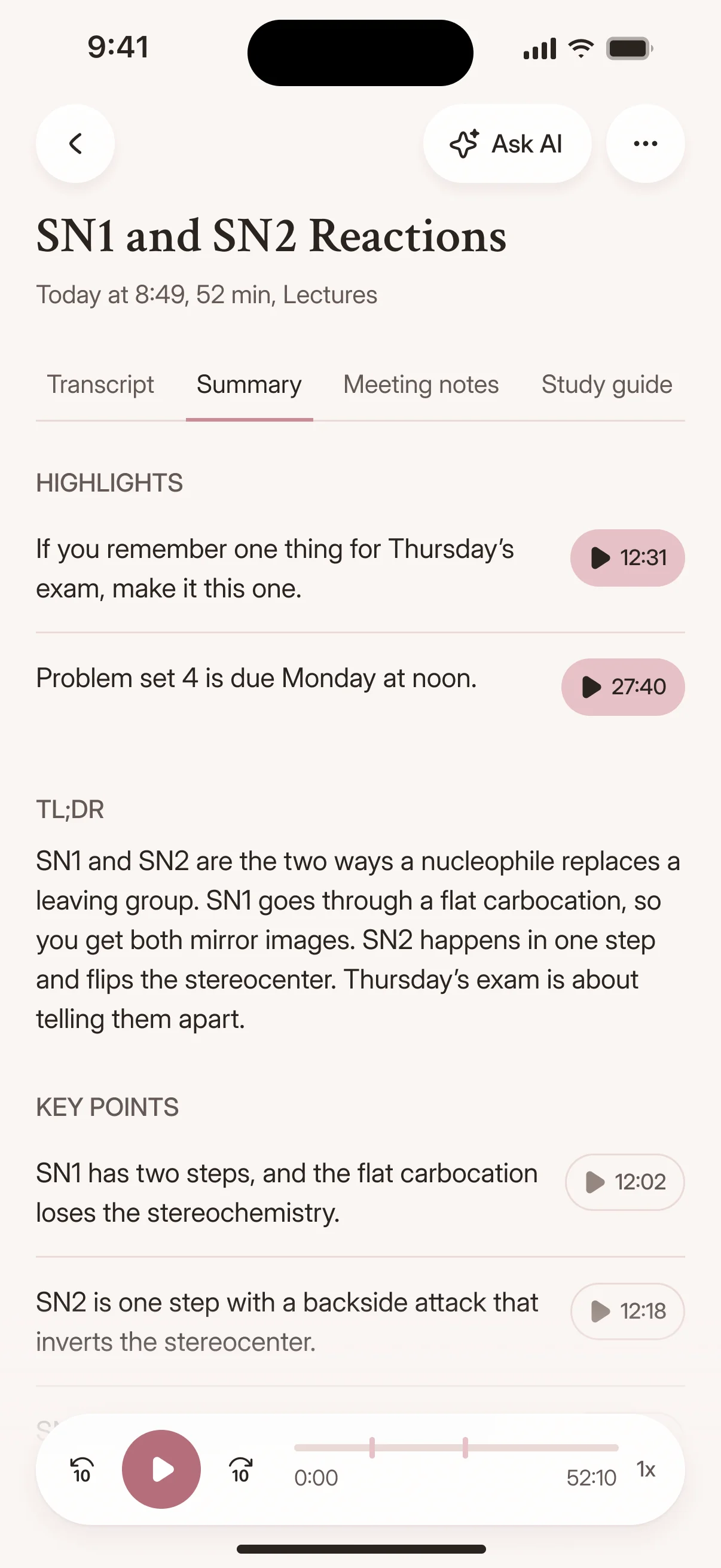
A two-hour Webex training session becomes a one-page summary with key points and action items.

Share the summary with your team or archive it without asking anyone to watch the full recording.

AI notes from a recording in the Cockatoo iPhone app
Proof

Blazing Speed, Incredible Accuracy

120xreal-time speed in V4-Flash, at most
~20xreal-time speed in V4-Pro, the most accurate mode
25 of 36languages where V4-Pro had the lowest error rate of the tested providers on FLEURS
Cockatoo V4-Pro on FLEURSError rate · lower is better
  • English3.9% WER
  • Spanish1.0% WER
  • German2.4% WER
  • French7.8% WER
  • Japanese6.5% CER

Accuracy varies by language and recording quality. Updated October 27, 2026. Full results and method

Accuracy You Can Audit: Published Per-Language Tests, Not Unverified Claims

Cockatoo publishes accuracy tests for 36 languages using the standard public benchmark researchers use to compare transcription engines, plus real-world audio with background noise and accents.

V4-Pro had the lowest error rate of the tested providers in 25 of 36 languages, and Cockatoo shows you the results, the audio samples and the methodology. Accuracy varies by language and recording quality.

Transcription mode

V4-FlashUp to 120x real timeFree, unlimited
V4-ProIndustry-leading accuracyAbout 20x real time
focus-group-2.mp3Transcribe

Self-Serve From the First Minute: Upload, Get a Transcript in Seconds, Export Where You Need It

Upload your file, get a transcript in seconds, and export it where you need it. No configuration, no installation, no waiting.

Pick V4-Flash for unlimited speed or V4-Pro for industry-leading accuracy on each upload.

“It works fast and the quality and accuracy are spot on. Love the service!”
AlUnited StatesRead review
“I have tested several transcription services. This is by far the most accurate, especially taking the speed and price into consideration”
Frik V.South AfricaRead review
“I use it all the time to get my recordings scripted and then turned into minutes. Love it!”
Josh D.Saint LuciaRead review
FAQ

Common Questions About Transcribing Webex Recordings

Short answers about downloads, limits and accuracy.

Visit the help center

Cockatoo publishes accuracy tests for 36 languages, using the standard public benchmark researchers use plus real-world audio samples. Accuracy varies by language and recording quality, so check the benchmarks for your language.

Turn your next Webex recording into text

Get your full transcript free, with no daily limit. Share meeting notes with your team in seconds, and try industry-leading accuracy with V4-Pro.

Start Transcribing Free