Auto Audio Extraction and SRT Subtitle Export
Cockatoo pulls audio from video files automatically and exports SRT subtitles alongside DOCX, PDF and TXT.
One transcript works for documentation, captions and archival.
For businesses and teams
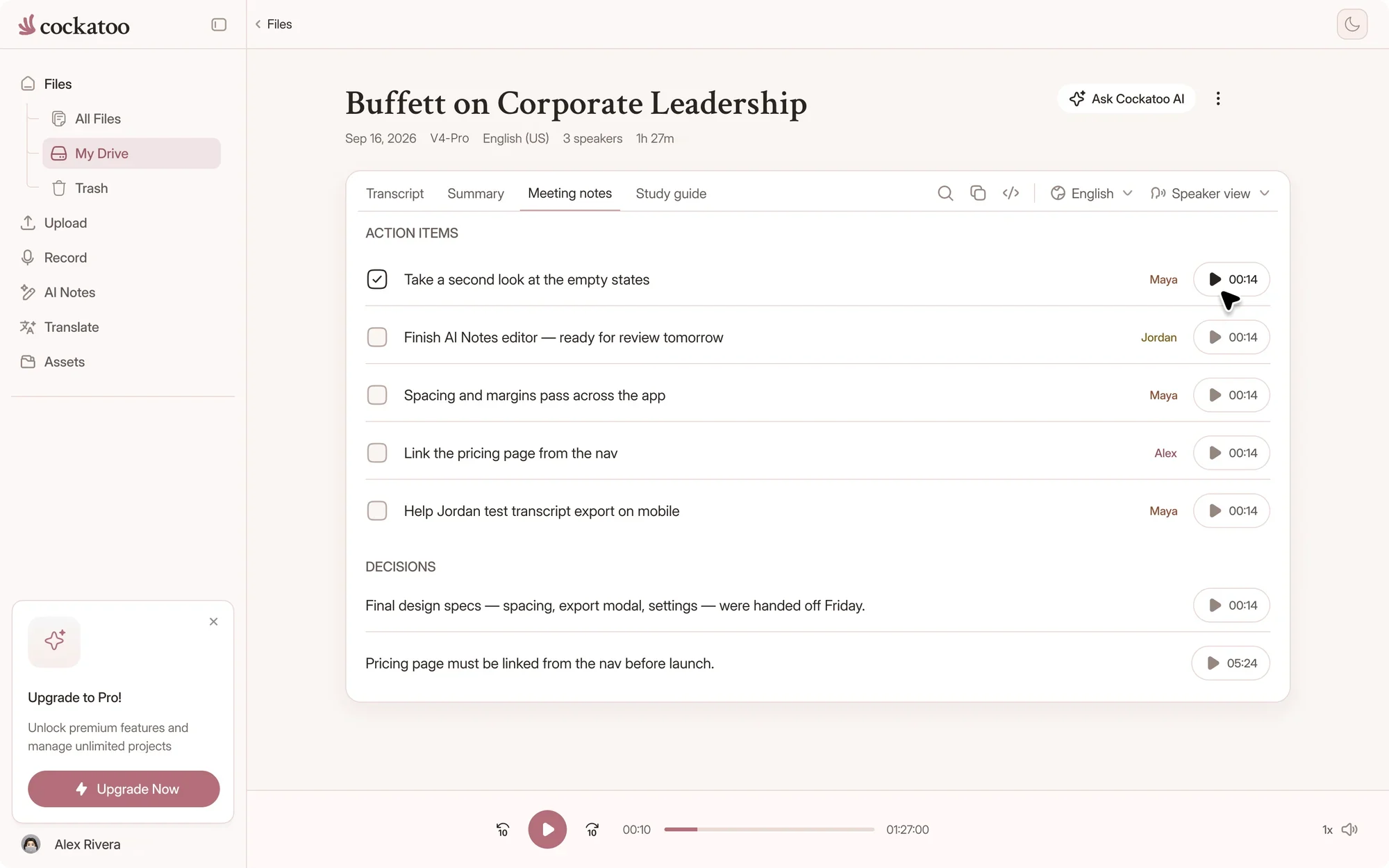
Record board meetings, all-hands and client calls live in the browser or on the iOS app, or upload interviews, webinars and training videos. Get a timestamped transcript in seconds and meeting notes with action items in Canvas. Start free, then add a Team workspace for three or more people.
Upload your recording and get a transcript back in seconds, accurate enough to use without heavy cleanup.
Published accuracy tests across 36 languages back the claim, so you know what you're paying for.
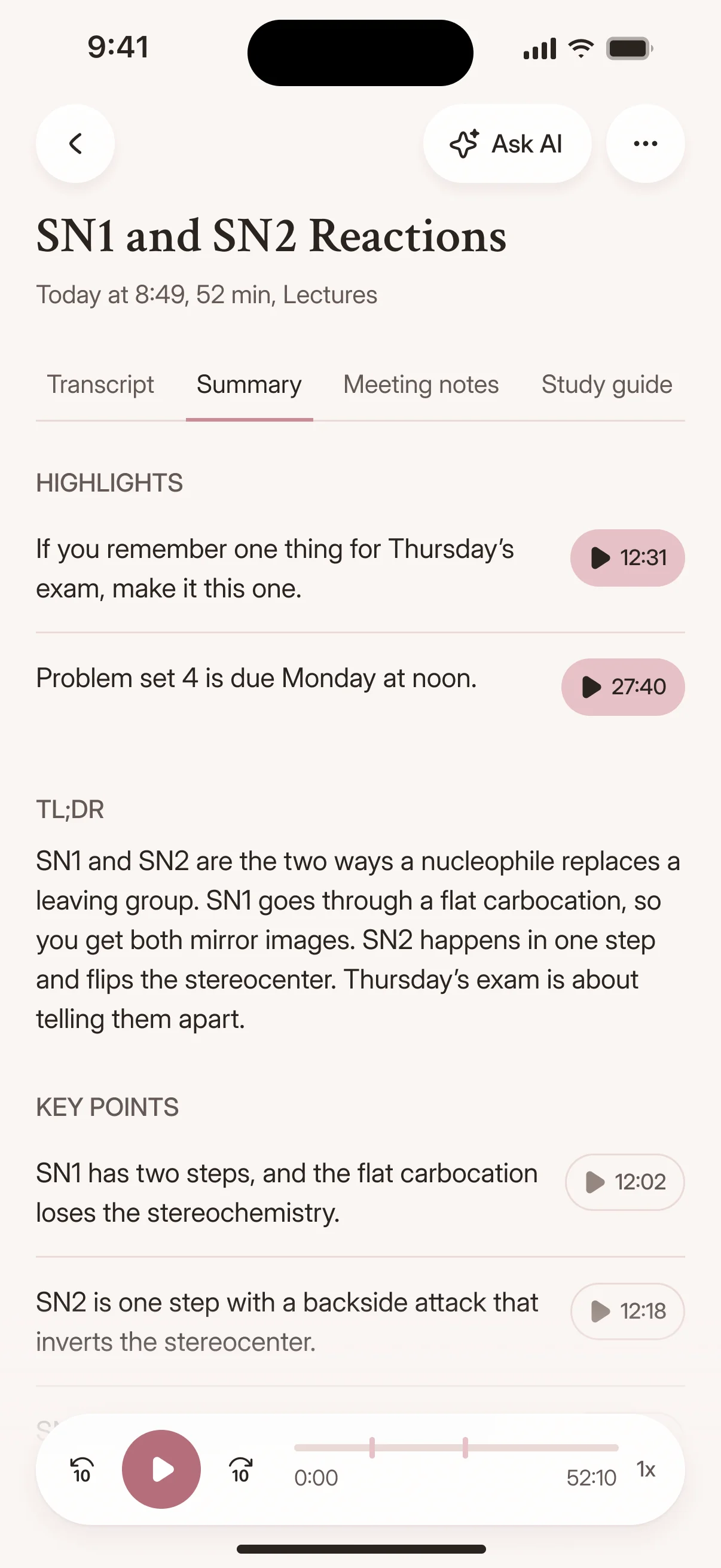
Meetings, webinars, interviews and training videos, transcribed in seconds and ready to share.
Cockatoo pulls audio from video files automatically and exports SRT subtitles alongside DOCX, PDF and TXT.
One transcript works for documentation, captions and archival.
Edit transcripts in the browser without installing anything.
Generate AI summaries with one click in Canvas, included on Pro.
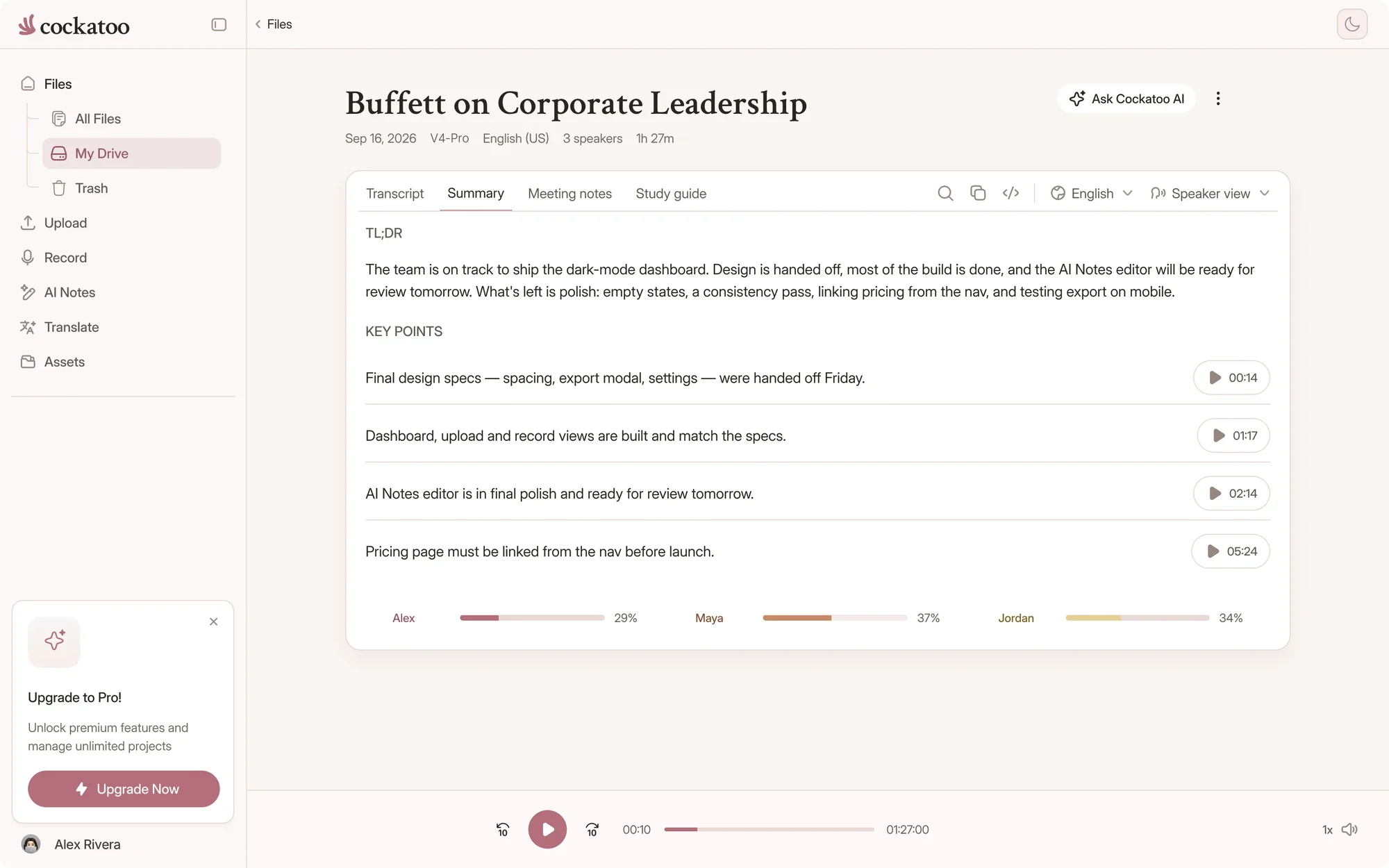
Transcripts in seconds, no hour cap on V4-Flash, and V4-Pro with the lowest error rate of the tested providers in 25 of 36 languages.
| Feature | Cockatoo | Human transcription services | Meeting note-takers |
|---|---|---|---|
| Ways in | Live recording in the web app and iOS app, file uploads and links | Recordings you send to a typist | Live calls, through a bot that joins the meeting |
| Turnaround | Transcripts in seconds | Usually hours or days | Notes during the call; uploaded files vary |
| Cost model | Unlimited full-length transcripts free in V4-Flash, with paid plans for V4-Pro | Usually charged per audio minute | Often a monthly minute allowance per seat |
| Languages | 36 transcription languages, detected for you | Depends on the typists available | Often a short list |
| Accuracy evidence | Per-language error rates and method on the benchmarks page | Varies by typist and service | Rarely published per language |
A general comparison of service types as of November 2026, not of any one provider. Check a provider's own site for its current plans and prices.
No monthly hour cap on V4-Flash, on every plan including Free.
Cockatoo's models are engineered for speed and efficiency, so your whole team can transcribe without watching a meter.
Cockatoo publishes per-language accuracy tests using the same public benchmark researchers rely on, plus real-world audio across 36 languages.
We show you the data. Accuracy varies by language and recording quality.
Transcription, translation, Team workspaces and the iOS app, all in one account.
Cockatoo translates business documents so you can use the output right away.
Upload a PDF contract or a PowerPoint deck and get back a translated file ready to share.
Transcribe a recording in one language, then translate the transcript into another.
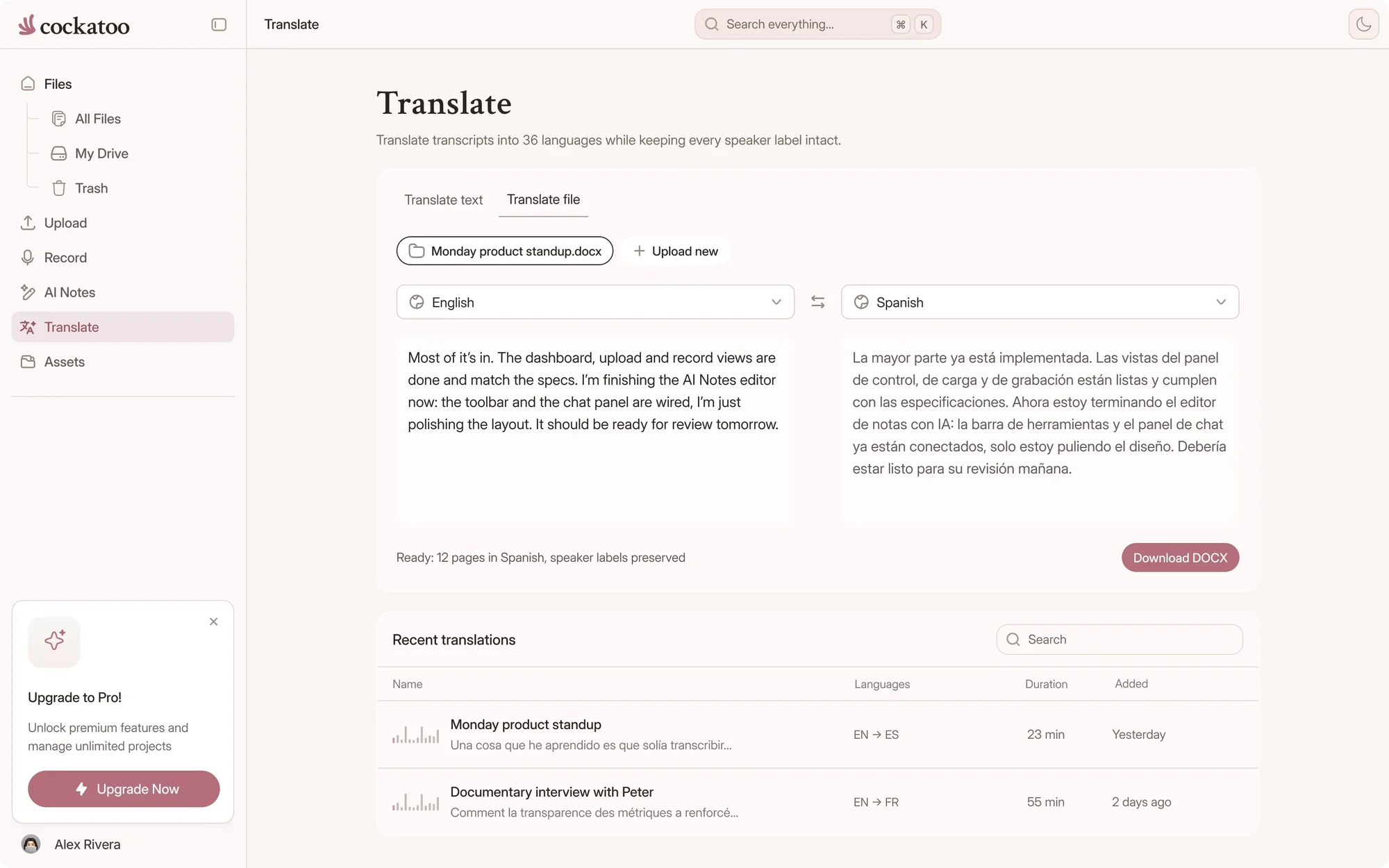
Cockatoo brings together AI transcription, translation, shared Team workspaces with central billing and admin controls, and an iOS app for recording and dictation.
Every feature is held to the same accuracy standard.
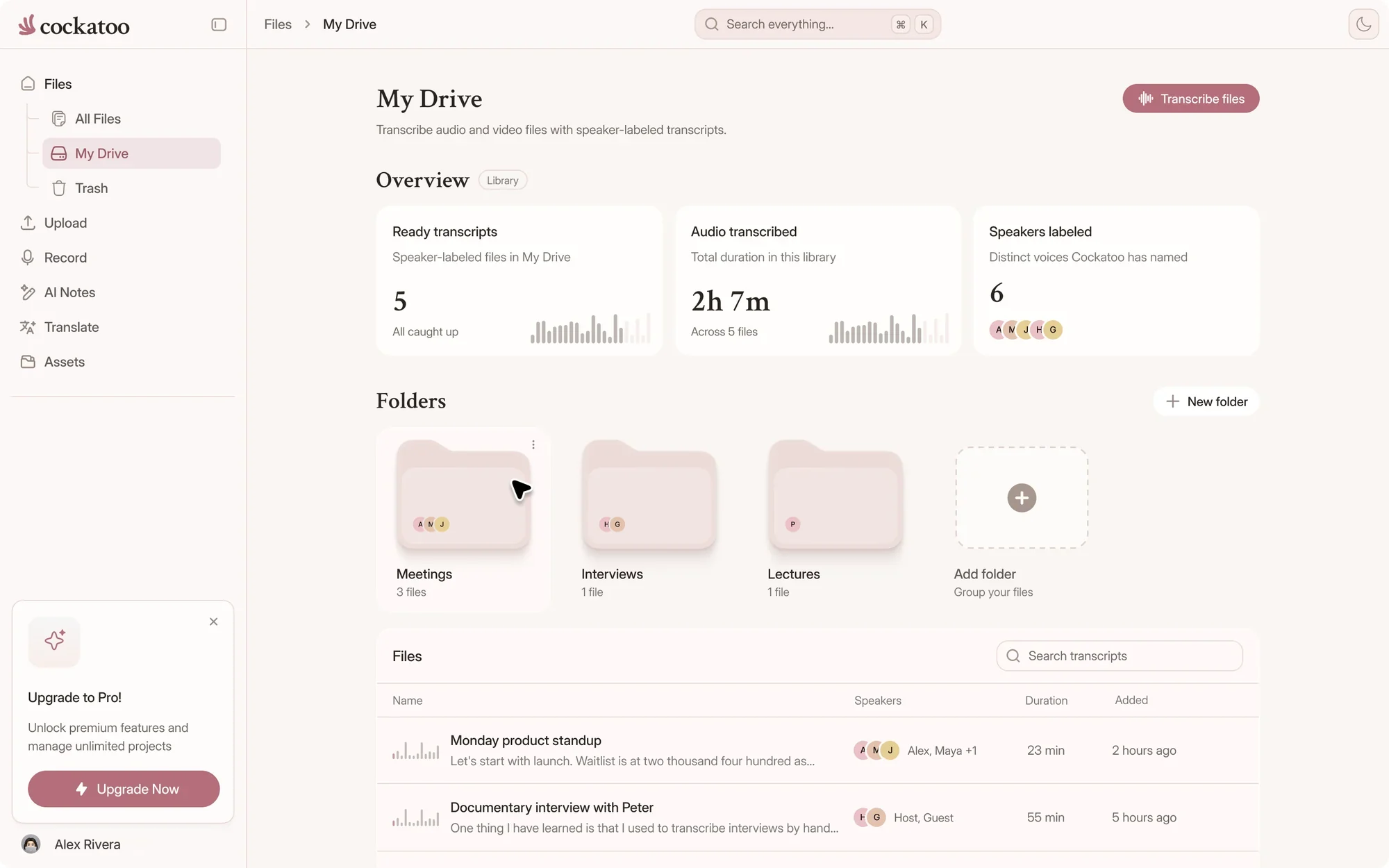
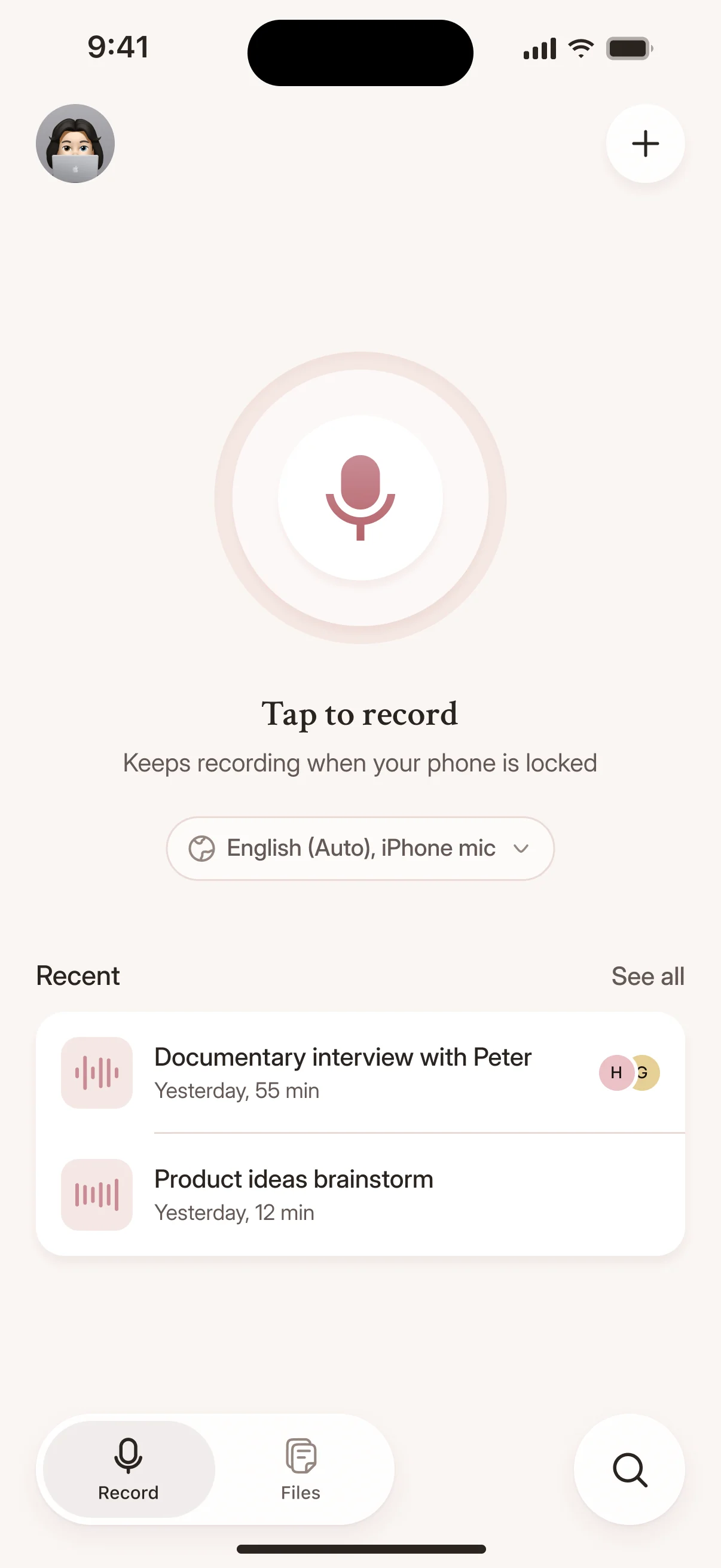
Paste a YouTube link, paste a Dropbox or Google Drive link, or upload from your device.
Cockatoo accepts all common audio and video formats and detects the spoken language automatically.
Upload a file, get a transcript in seconds, export where you need it.
No contact required.
Your transcript appears in the browser as soon as processing finishes.
No software to install, no setup, no waiting.
Upload your file and get a timestamped transcript you can edit in the browser.
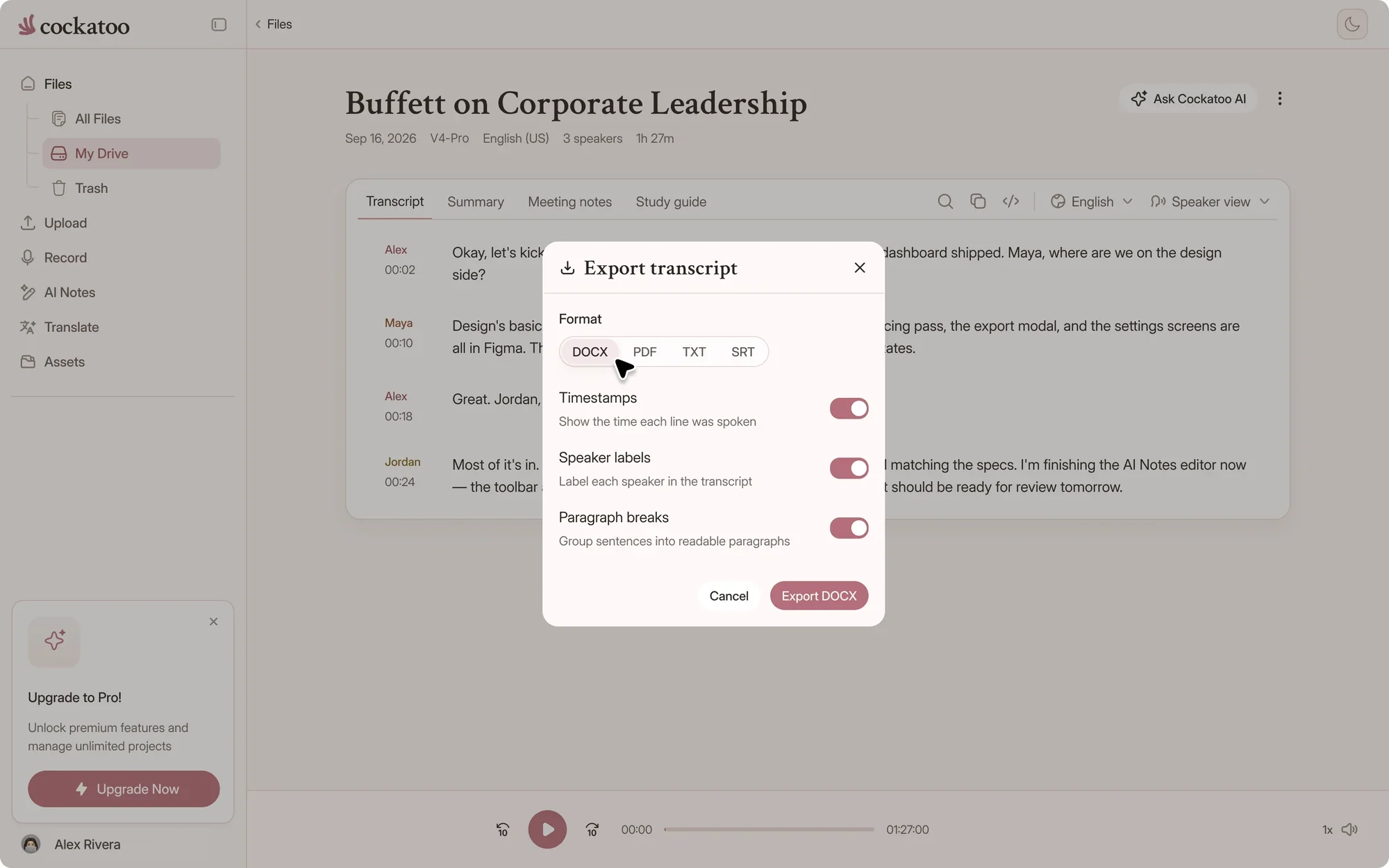
Export to DOCX, PDF, TXT or SRT subtitles, whichever format your workflow needs.
Cockatoo transcribes at up to 120x real-time in fastest mode, turning a one-hour recording into a transcript in about 30 seconds.
The highest-accuracy mode, V4-Pro, runs at around 20x real-time.
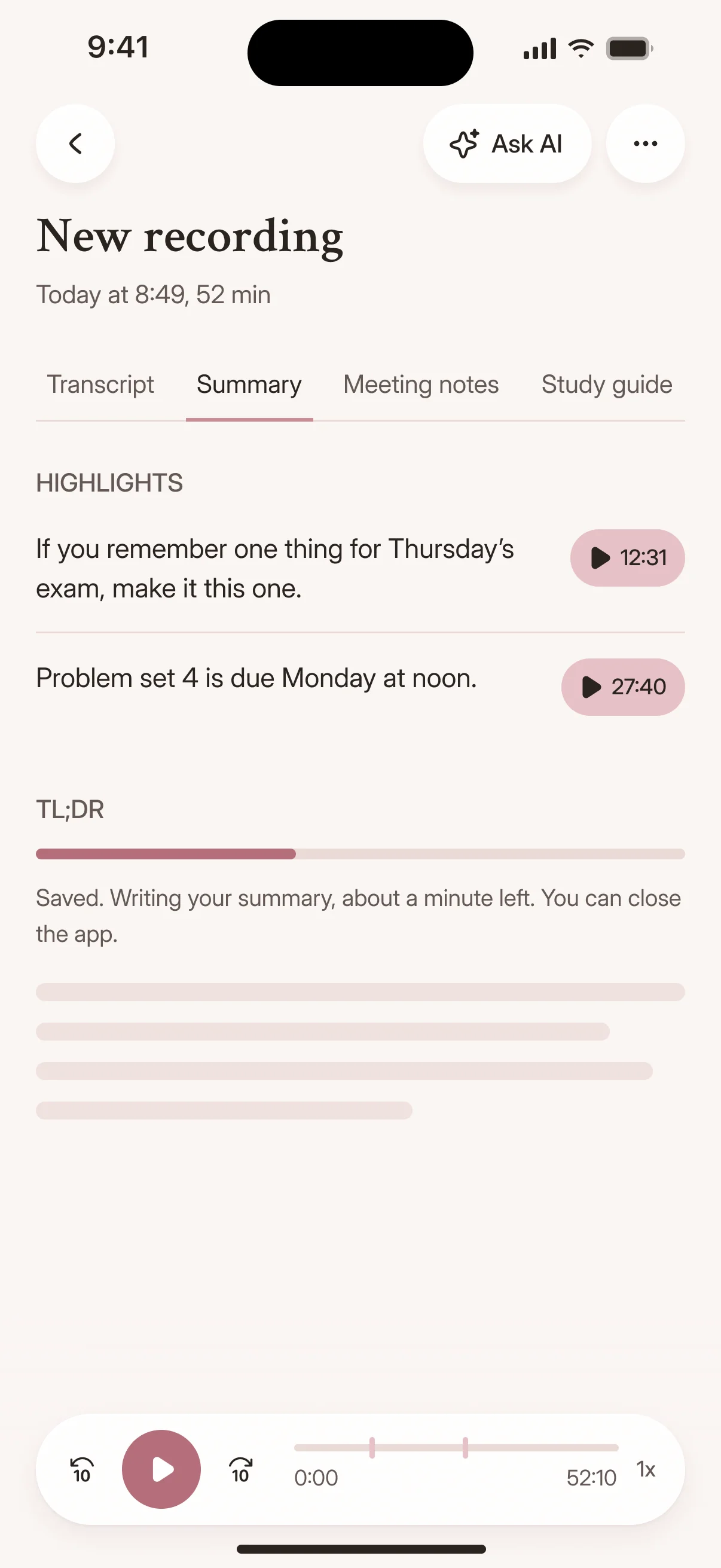
Cockatoo's speech recognition models are versioned like modern AI products, with each mode optimized for a different accuracy and speed trade-off: V4-Flash for speed, V4-Pro for accuracy.
The system evolves continuously while you choose the mode for each file.
Transcription mode
Accuracy varies by language and recording quality. Updated October 27, 2026. Full results and method
Every language is tested against the public benchmark researchers use, plus internal real-world recordings.
Cockatoo publishes per-language results with audio samples you can listen to.
Our users appreciate accuracy on difficult accents, transcription speed, and how simple the tool is to use.
Read the reviews to see what professionals who check every word are saying.
“The transcription accuracy is impressive, and the export options make it simple to work with transcripts in various formats.”
“I use it all the time to get my recordings scripted and then turned into minutes. Love it!”
“It works fast and the quality and accuracy are spot on. Love the service!”
Your files are encrypted in transit and at rest.
Only you can open them until you share them, with a link or with set permissions for each team member.
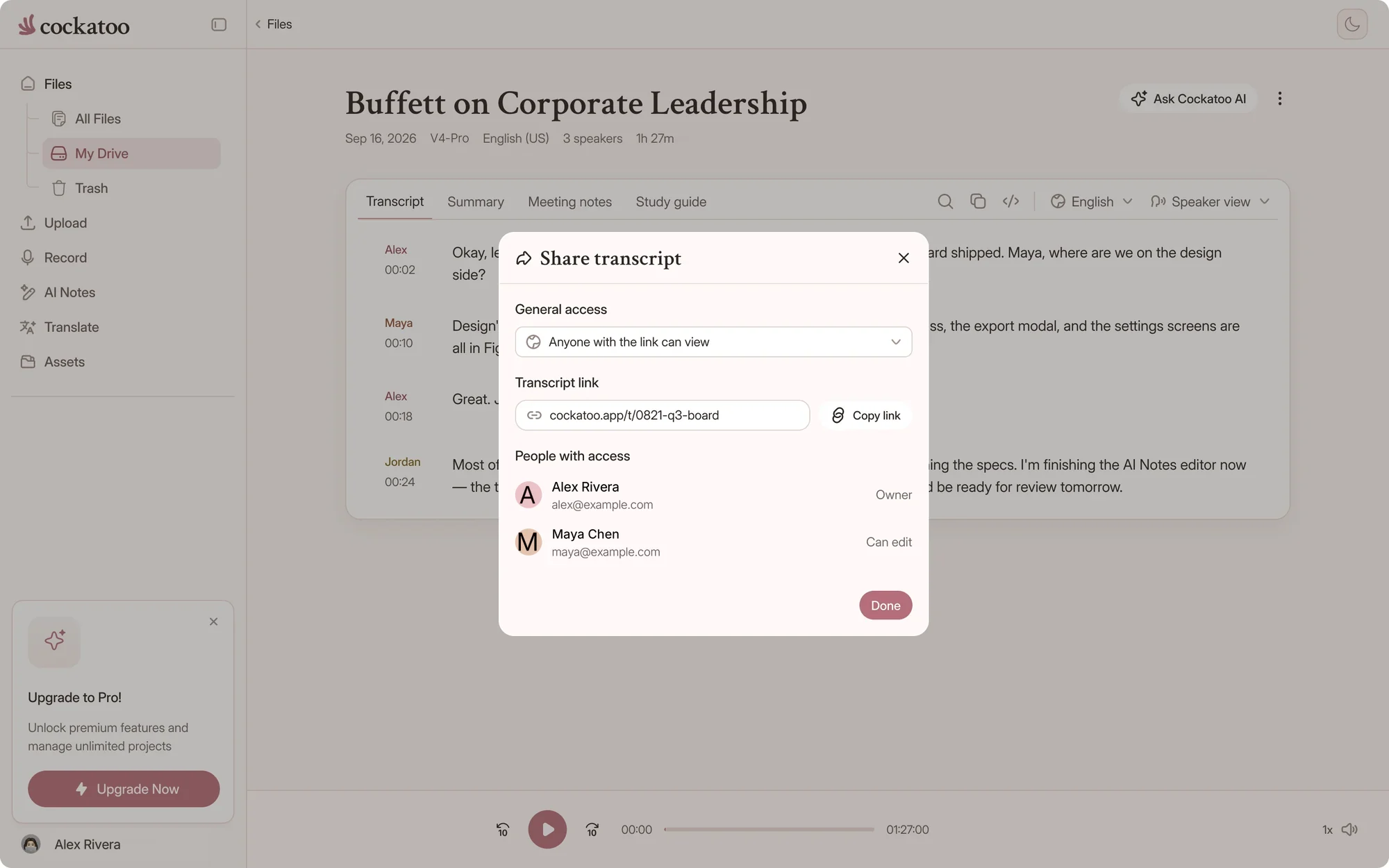
Transcription processing and storage run in the US and the EU (Finland).
Data is kept while your account is active and removed when you delete files or your account. Many users treat Cockatoo as a transcript archive.
Support engineers can access your files only with your explicit permission.
Where your files are stored and processed
Answers for teams, admins and procurement.
Yes. Team is a shared workspace for three or more users, with central billing and admin controls. Larger organizations can contact us about Enterprise.
Yes. Record the meeting live in the browser or on the iOS app, or upload a recording from Zoom, Teams or Google Meet. You can also paste a YouTube, Google Drive, Dropbox, iCloud or public file link.
Our SOC 2 Type II audit is in progress. An independent auditor is testing our security controls over time. The report will be available on request once it's issued.
Yes. Free accounts get unlimited full-length transcripts in V4-Flash with no credit card, plus weekly V4-Pro previews to test the most accurate mode on your own recordings.
Get your full transcript free, with no daily limit. Bring your team into a shared workspace when you're ready.
Start Transcribing Free















 SRT