Export formats

Transcript Export Formats: DOCX, PDF, SRT, TXT

Upload audio or video, get an accurate transcript in seconds, and download it as DOCX, PDF, TXT, SRT, VTT, CSV or JSON. All seven formats are free on every plan, and full-length transcripts are free in V4-Flash, with no daily limit.

Export Your Transcripts as DOCX, PDF, TXT, or SRT Subtitle Files

Upload your audio or video, get a transcript in seconds, then download it in the format you need. DOCX for editing in Word or Google Docs. PDF for sharing with clients or colleagues.

TXT for plain text. SRT for video captions.

  • 7 formats, free on every plan
  • SRT and VTT captions
  • Timestamps and speaker labels
  • No credit card
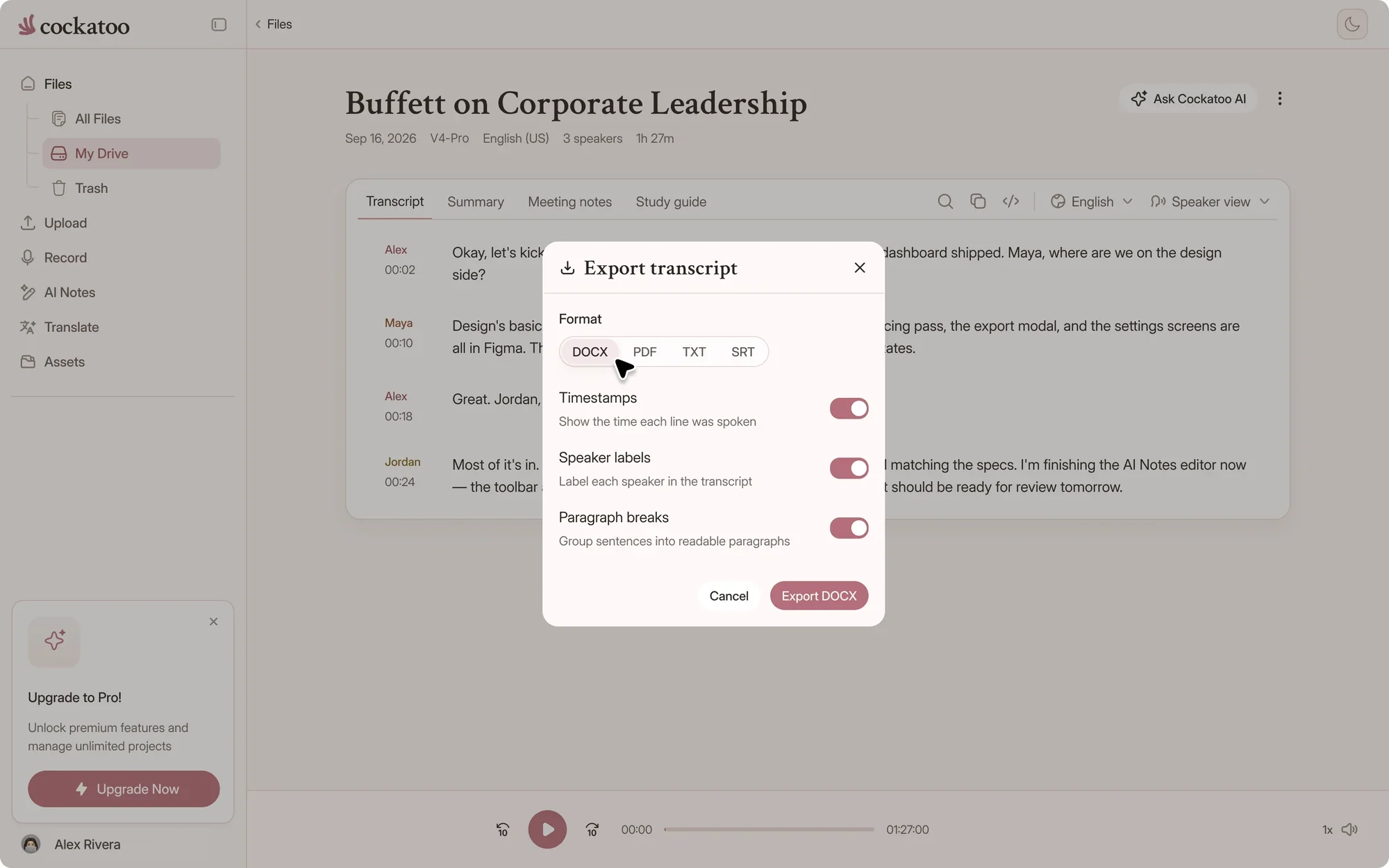
Cockatoo export menu with DOCX, PDF, TXT, SRT and more
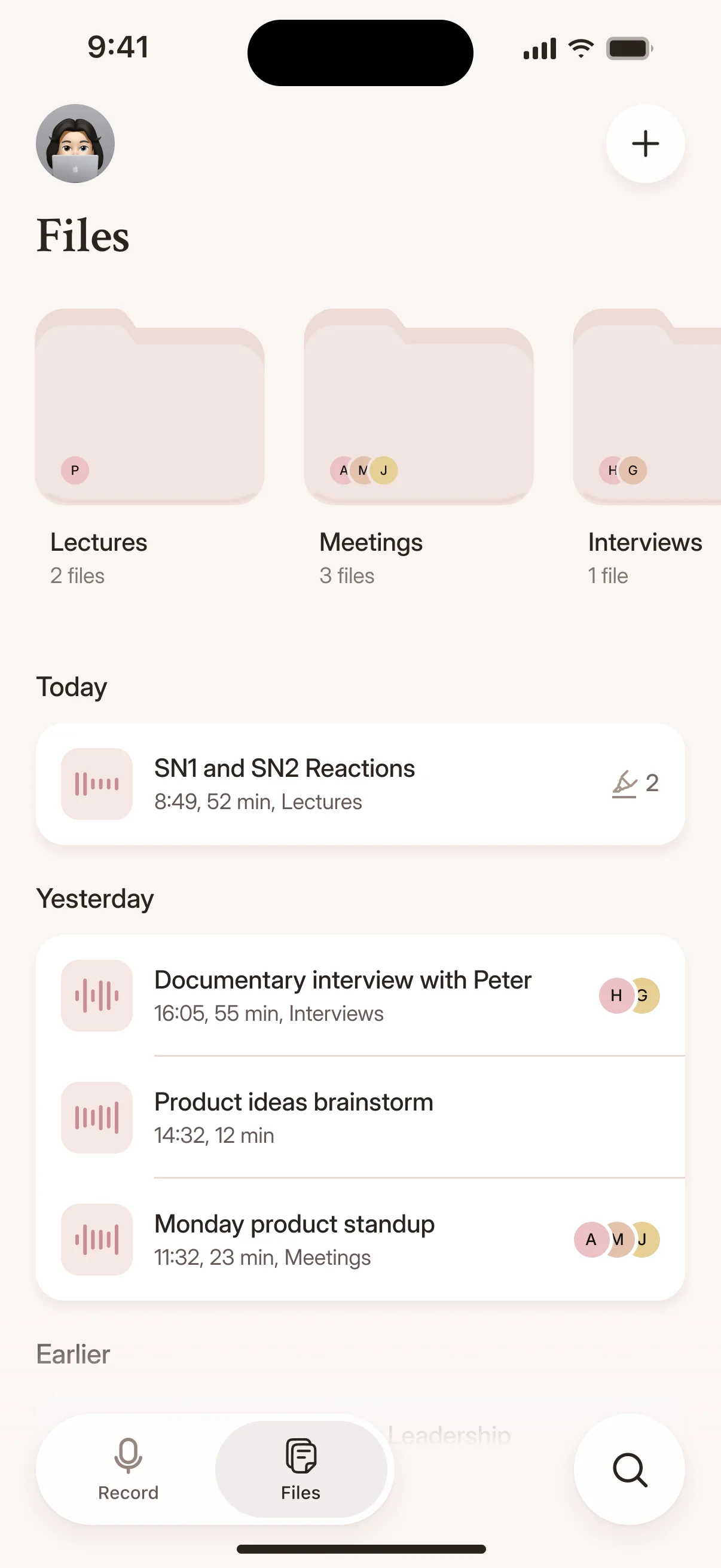
Recordings and transcripts in the Cockatoo iPhone app
Drag and drop
MP3MP4M4AMOVAACWAVOGGOPUSMPEGWMV
OR
Before the export

What Happens After You Upload

The file is only as good as the transcript inside it. Here's what you get before you hit export.

7export formats, free on every plan
~30 sfor a one-hour recording in V4-Flash
36transcription languages
Cockatoo V4-Pro on FLEURSError rate · lower is better
  • English3.9% WER
  • Spanish1.0% WER
  • German2.4% WER
  • French7.8% WER
  • Japanese6.5% CER

Accuracy varies by language and recording quality. Updated October 27, 2026. Full results and method

Accuracy You Can Verify

We publish accuracy tests for 36 languages on the same public benchmark researchers use to compare transcription engines, plus real-world recordings with background noise and accents. Cockatoo publishes the evidence behind the accuracy claims, not just a percentage with no proof.


A One-Hour File in About 30 Seconds

Cockatoo transcribes at up to 120x real-time in fastest mode. A one-hour recording comes back in about 30 seconds, not hours.

interview-03.m4a Renamed everywhere
04:02
Dr. Okafor

Let's start with the sampling. Why twelve schools?

04:09
Maya

We wanted rural and urban sites in every region.

04:17
Dr. Okafor

And the consent forms went out before the first visit?

Speaker Recognition, Word-Level Timestamps, and Formatting Built In

Cockatoo detects speakers automatically, adds word-level timestamps, and applies punctuation and capitalization. Speaker labels come with V4-Pro, on paid plans and in the weekly previews on Free. When you export as SRT, every subtitle block includes the exact timestamp.

When you export as DOCX or PDF, speaker labels and paragraph breaks are already in place. You get a formatted transcript, not a wall of text.

interview-03.m4a Saved
00:12
Interviewer

So how did Bourdieu shape the way you read the fieldwork?

00:19
Participant

His idea of habitus gave me a vocabulary for what I was seeing in the classroom.

In-Browser Editing Before You Export

Cockatoo includes a transcript editor in the browser. Click into any line to fix names, acronyms or technical terms the model missed, then export the corrected version as DOCX, PDF, TXT or SRT. No need to download, open another app, edit, and save again.

Pick a format

Which Format Fits Your Job

Every format comes from the same transcript, so you can export it again in another format at any time.

Cockatoo transcript export formats and what each one is for
FeatureBest forWhat's in the file
DOCXEditing in Word or Google DocsFormatted transcript with optional timestamps, speaker labels, theme and cover page
PDFSharing a final copyThe same layout as DOCX, ready to send or print
TXTPlain text, scripts and notesText with optional timestamp and speaker lines
SRTVideo editors and playersNumbered captions with start and end times
VTTWeb video playersWebVTT captions with start and end times
CSVSpreadsheets and analysisStart, end, speaker, text and translation columns
JSONScripts and other toolsSegments with start, end, text and speaker
Adobe Premiere markersPremiere Pro timelines (paid plans)One marker per segment, named after the speaker

DOCX, PDF, TXT, SRT, VTT, CSV and JSON are free on every plan. Adobe Premiere markers need a paid plan.

Making Video Content Accessible Without Manual Captioning

You need captions on your training videos, product demos or marketing content, but typing them by hand takes hours per video. Free auto-captions from your recording app need so much cleanup that the time saved disappears, and you still have to export them in a format your video editor accepts.

Translating Documents Without Rebuilding the Layout

You have a PDF report or a slide deck that needs to be in another language, but recreating the formatting in another tool means hours of copy-paste work. You need the translated text in a format you can actually use, not raw output you have to reformat yourself.

The export dialog

Export Options You Control

Choose exactly what goes into the file before you download it, and get a document that's ready to send.

Timestamps, speaker labels and paragraph breaks

Turn each one on or off. Timestamps show when each line was spoken, speaker labels show who said it, and paragraph breaks group sentences into readable blocks.

Group by sentences, paragraphs or speakers

Under advanced options, group the text by sentence, paragraph or speaker turn, or export it as a single block of text.

Document themes and a cover page

Pick the Basic, Latte or Bateman theme for DOCX and PDF, and add a cover page when you share the transcript with a client.

Caption length and timing

For SRT and VTT, set the characters per caption, one or two lines per caption, the minimum and maximum caption duration, and the pause that starts a new caption. Captions also break when the speaker changes.

Translations in the same file

If you translated the transcript, include the translation alongside the original text in your export.

Bulk export from your library

Select several transcripts and download them together as a ZIP, with optional MP3 audio. Free accounts bulk export TXT, and paid plans can choose any document or caption format.

Outcomes

When the Format Matters Most

Marketing and Training Videos with Subtitles in Seconds

Upload your video, export the SRT file, then drop it into your video editor. Your marketing demo, training module or product walkthrough now has accurate captions, and you spent seconds on it instead of an afternoon.

Turn a Long Recording into a Short Summary

Use Canvas to summarize your transcript, pull out action items or rewrite it as a blog post, then export it as DOCX or TXT. You go from a two-hour meeting recording to a one-page summary without listening to the whole thing again.

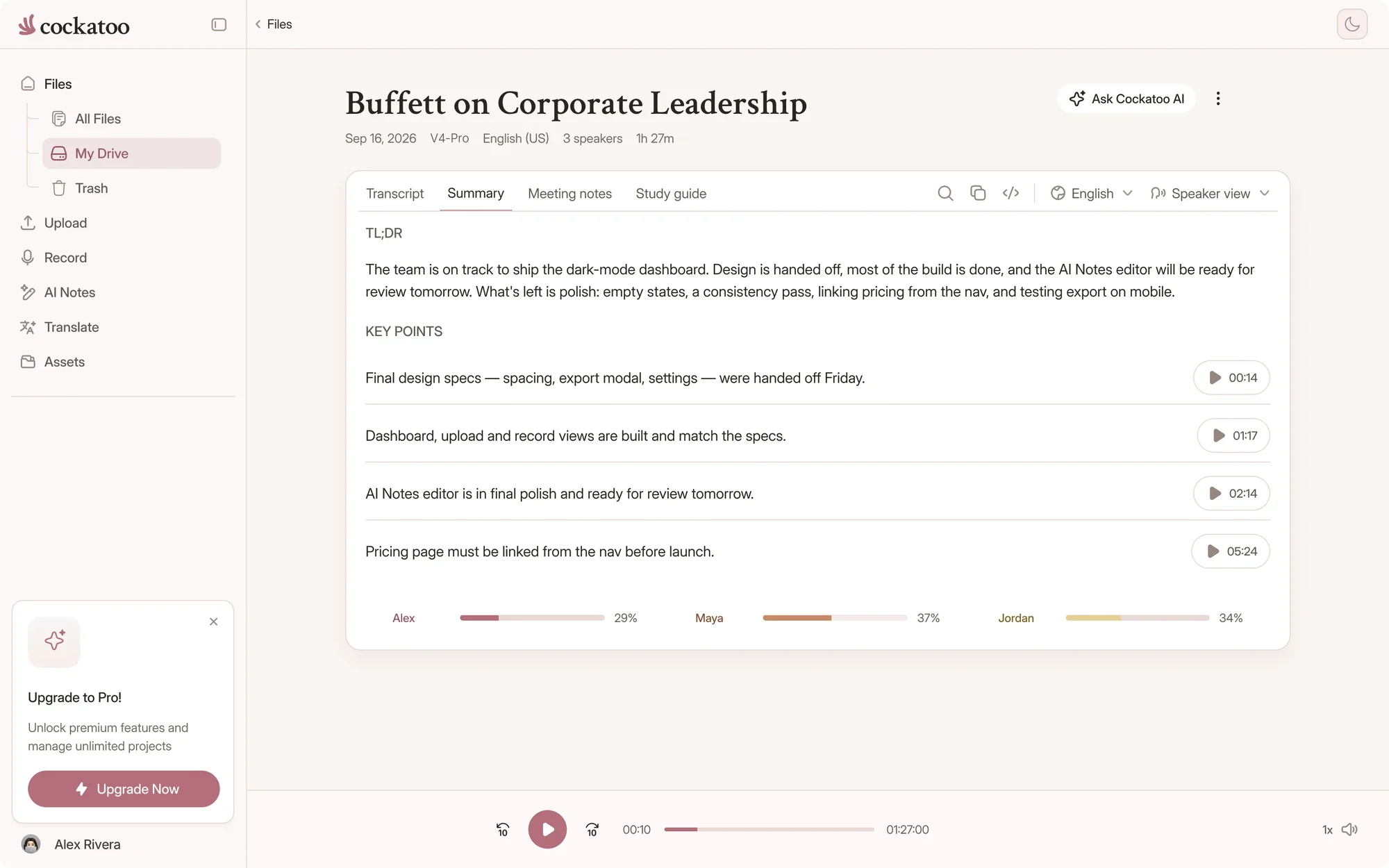
Cockatoo transcript with a one-click AI summary beside it
“The transcription accuracy is impressive, and the export options make it simple to work with transcripts in various formats.”
Bill N.United StatesRead review
“Cockatoo separated speakers and sentences, with timestamps, making it way easier to read.”
Heidi C.CanadaRead review
“Quick and very precise transcription. Since I transcribe a lot (podcasts, videos) I am very happy with the pricing package, too.”
LaraAustriaRead review
Get started

Start Exporting From Your Browser

Seven formats, free on every plan, from a transcript that's ready in seconds.

Import from YouTube, Dropbox, Google Drive, or Upload Any Audio or Video File

Paste a YouTube link, paste a Dropbox or Google Drive link, or drag a file from your desktop. Cockatoo accepts all common audio and video formats, so you do not need to convert files before uploading.

Transcript in Your Browser in Seconds, No Install or Configuration

Cockatoo runs in your browser, with nothing to install or configure and no waiting for IT approval.

Upload a file, get a transcript, then export it.

FAQ

Common Questions About Exporting

Short answers about formats, plans and what each file contains.

Visit the help center

DOCX, PDF, TXT, SRT, VTT, CSV and JSON, all free on every plan. Paid plans can also export Adobe Premiere markers.

Get your transcript in the format you need

Get your full transcript free, with no daily limit. Export it as DOCX, PDF, TXT, SRT, VTT, CSV or JSON.

Start Transcribing Free